
Geeky Gadgets
The Latest Technology News
By 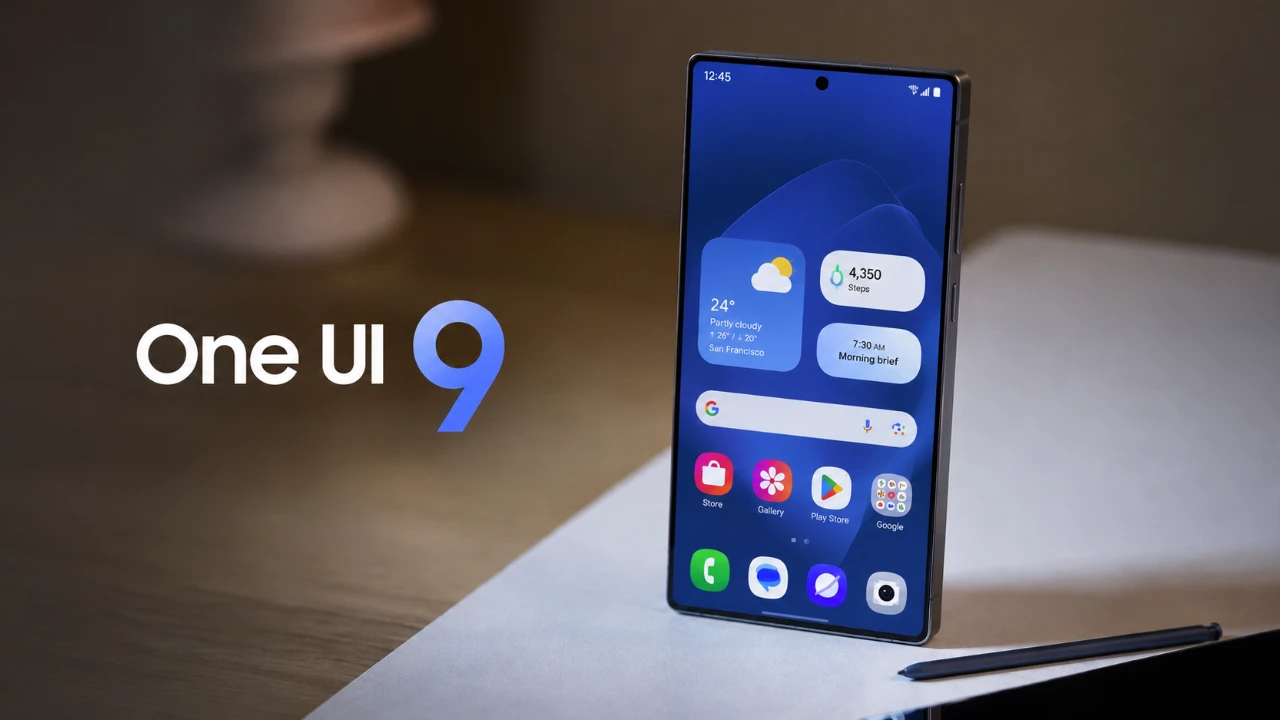
Samsung has introduced One UI 9 beta, its latest user interface built on Android 17, bringing a range of updates designed to enhance usability, customization, and aesthetics. Whether you’re personalizing your home screen, navigating settings, or sharing files, these improvements aim to create a more seamless and efficient user experience. Below is an in-depth look at the standout features and updates that make One UI 9 a noteworthy upgrade for Samsung users. The video below from Mr Android HD gives us more details on One UI 9.
The lock screen in One UI 9 has undergone a comprehensive redesign, focusing on both functionality and visual appeal. Key updates include:
These enhancements not only improve usability but also elevate the overall aesthetic of the lock screen, making it more engaging and user-friendly.
Quick settings in One UI 9 have been refined to provide greater accessibility and customization options. The updates include:
These changes ensure that frequently used settings are more intuitive to access, streamlining everyday interactions with your device.
Widgets take center stage in One UI 9, offering enhanced functionality and personalization options to improve the home screen experience. Notable updates include:
These improvements make the home screen more practical while maintaining a clean and customizable appearance, catering to a wide range of user preferences.
The settings menu in One UI 9 has been reorganized to simplify navigation and consolidate essential information. A new “Warranty and Care” section has been introduced, offering:
This streamlined approach to device management makes it easier for users to maintain their phones and access important details without unnecessary complexity.
File sharing has been made faster and more convenient with the introduction of the “Tap to Share” feature. By simply tapping the back of your phone against another compatible device, you can instantly transfer files. This proximity-based method eliminates the need for additional steps or apps, making it an ideal solution for users who frequently share content with others.
As with previous Android versions, Android 17 includes a hidden Easter egg that adds a playful element to the software. Accessible through a gesture in the “About Phone” section of the settings menu, this feature offers a fun and interactive experience for users who enjoy exploring hidden aspects of their devices. While it doesn’t add functionality, it reflects the creative side of Android’s development.
Animations in One UI 9 have been subtly refined to enhance the overall user experience. The “Now Playing” transitions, in particular, have been updated to provide smoother and more polished visuals. While these changes may not be immediately noticeable, they contribute to a more cohesive and fluid interface, showcasing Samsung’s attention to detail and commitment to continuous improvement.
One UI 9 represents a thoughtful evolution of Samsung’s software, focusing on usability, customization and design. From the redesigned lock screen and enhanced quick settings to improved widgets and seamless file sharing, these updates are tailored to meet the needs of modern users. The addition of subtle animation tweaks and a hidden Easter egg adds personality to the interface, while the streamlined settings menu simplifies device management. As the beta release progresses, further refinements are anticipated, solidifying One UI 9 as a significant step forward in Samsung’s software development.
Here are additional guides from our expansive article library that you may find useful on One UI 9.
Source: Mr Android FHD
Disclosure: Some of our articles include affiliate links. If you buy something through one of these links, Geeky Gadgets may earn an affiliate commission. Learn about our Disclosure Policy.